















A good break should leave you refreshed, not stuck in a long download or a complicated game. That is why free HTML5 games have become a favorite way to unwind. You can play games in your browser without downloading anything, on almost any device, for two minutes or twenty.
This guide explains what HTML5 games are, why these free online games suit short breaks so well, how to play them in your browser, which types are worth trying, and how to stay safe.
What Are HTML5 Games?
HTML5 games are online games built with web technologies that run directly inside your browser. Unlike traditional games, they don’t need a separate installer, a launcher, or a plugin. You open a web page, press play, and the game starts. That is why people often call them instant play games or no download games.
Older browser games relied on plugins such as Flash, which have since been retired. HTML5 replaced them with a modern, built-in standard that works across Chrome, Safari, Firefox, and Edge. That is why these browser games now run on laptops, tablets, and phones alike.
How to Play HTML5 Games in Your Browser
Getting started takes less than a minute, and you never need to install anything.
Open any modern browser, such as Chrome, Safari, Firefox, or Edge.
Visit a gaming site you trust and choose a game.
Press the play button and wait a few seconds for the game to load.
Use your mouse, keyboard, or touchscreen to play.
If a game doesn’t start, refresh the page and check that your browser is up to date. Not sure what to pick first? You can play 10 free HTML5 games online right now in your browser and find a style you enjoy. There is more on fixing common problems later in this guide.
Why HTML5 Games Are Perfect for Quick Breaks
No Downloads or Installs
The biggest advantage is how little setup is involved. There is no app store, no storage to free up, and no update to wait for. You can play online games without downloading anything, and when you only have a few minutes, skipping the install step is the difference between playing and not playing at all.
Fast Loading
Most HTML5 games are lightweight, so they usually load quickly compared with large downloaded titles. You can open one between emails, during a lunch break, or while waiting for a file to upload, and be playing almost immediately.
Playable on Any Device
HTML5 games adapt to different screen sizes and input types. The same game can work with a mouse on a desktop and with touch on a phone, so you can play browser games on PC, Mac, Android, or iPhone. You don’t need a gaming PC or a console, and you can switch devices depending on where you are.
Free to Play
Many HTML5 games are free to open and play in your browser. This makes them easy to try without a purchase, account, or subscription. Some sites do show ads, so it is worth choosing sources you trust, which we cover later.
Low System Requirements
Because these games are designed to be light, they tend to run well on older laptops, school computers, and budget phones. You don’t need a powerful graphics card, which keeps gaming accessible to almost everyone.
Short, Easy-to-Learn Sessions
Most HTML5 games are designed around simple ideas and short rounds. You can understand the rules within seconds, finish a round quickly, and stop whenever you need to. There is rarely a long story or save point to worry about, so leaving mid-game doesn’t cost you anything.
Why Short Gaming Breaks Are Worth Taking
Stepping away from work or study for a few minutes is a useful habit, and quick games to play online can be a pleasant way to do it.
Reset Your Focus
Long stretches of concentration can leave you feeling mentally tired. A short, different activity gives your mind a rest from the task in front of you. Many people find they return to work with a clearer head after a brief change of pace.
Ease Stress
Simple, low-pressure games can help you relax. Choosing something calm, such as a puzzle or a music maker, gives you a moment to unwind instead of scrolling through notifications.
Spark Creativity
Games that involve building, mixing, or experimenting give your creative side some room to play. Switching from analytical work to something playful can make it easier to approach problems from a new angle.
Best Types of HTML5 Games for a Short Break
Not every game fits a quick pause. These categories are some of the best free browser games to play when you’re bored or need a short reset.
Puzzle Games
Puzzle games such as match-three, sliding tiles, and word challenges are ideal for short sessions. Each level is small, the goal is clear, and you can stop after any round. They give your brain a light workout without taking over your whole break.
Rhythm and Music Games
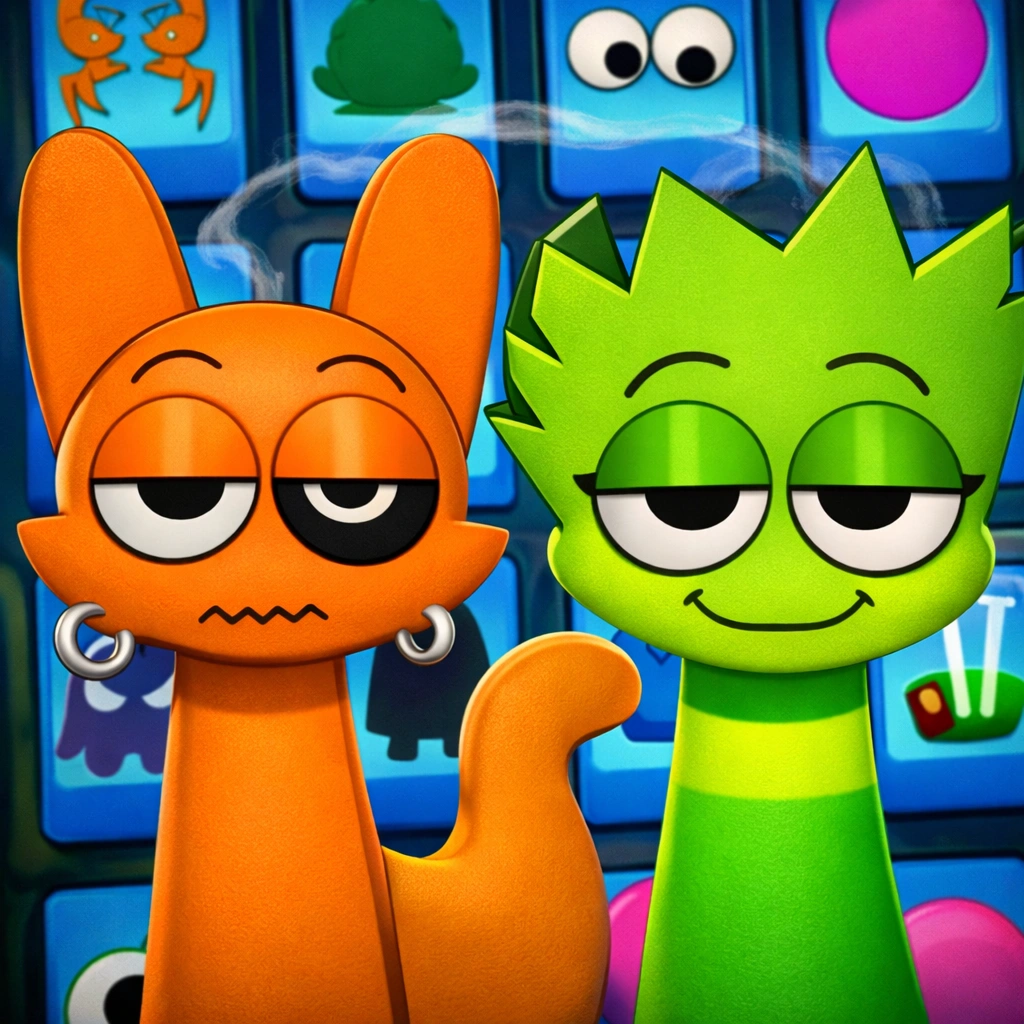
Music games and rhythm games are a great fit if you want something relaxed and creative. You drag sounds onto characters or tiles, and a track builds in front of you with no music skills needed. A satisfying beat can come together in just a couple of minutes, and you can try darker or brighter sound styles depending on your mood.
Arcade Games
Arcase games rely on quick reactions and simple controls. Think endless runners, snake-style games, and brick breakers. Rounds are short and the challenge of beating your own score makes a few minutes fly by.
Idle and Clicker Games
Idle and clicker games need very little input. You make small choices and watch progress build over time. They are easy to pick up and put down, which makes them handy when your attention is limited.
Casual Strategy and Card Games
Card games offer a calm, thoughtful pace. You can play a single hand or a short match and leave without losing much progress.
How to Make the Most of a Gaming Break
A short break works best when it has a clear shape. A few simple habits help.
Set a time limit. Decide on five, ten, or fifteen minutes before you start, and use a timer if you tend to lose track.
Pick the right game for your mood. Choose something calm if you want to relax, or something fast if you want a quick energy boost.
Stand up and stretch afterward. Gaming breaks are screen time, so a minute of movement helps your body as well as your mind.
Rest your eyes. Look away from the screen for a moment and focus on something far away.
Return with a plan. Before you go back to work, decide what your first task will be so the transition feels smooth.
Tips for Smooth HTML5 Gameplay
HTML5 games usually run without trouble, but a few quick checks can fix most issues, such as a game not loading or lagging in your browser. If you want to understand why these problems happen, this guide on how HTML5 games work, their features, and examples explains the technology behind them.
Keep your browser updated. Newer versions handle web games better.
Close extra tabs. Fewer open pages leave more memory for the game.
Turn on hardware acceleration. This setting in your browser can improve performance on many devices.
Check your sound settings. If a game is silent, tap the screen once and check your tab and device volume.
Disable ad blockers if the game won’t load. Some extensions block scripts that games need to run.
Clear your cache. This can resolve loading problems caused by outdated stored files.
Staying Safe While Playing Online
Browser games are convenient, but it is still smart to be careful.
Stick to sites you trust. Reputable gaming sites are less likely to show misleading ads or unsafe pop-ups.
Avoid unnecessary downloads. A real HTML5 game runs in your browser. If a site insists you download a file to play, treat that as a warning sign.
Watch for fake buttons. Some pages use misleading download or play buttons. Look for the actual game window.
Respect network rules. If you want to play games at school or work, follow your organization’s policies and play only during approved breaks.
Protect personal information. Casual games rarely need your personal details, so be cautious if one asks for sensitive information.
Conclusion
HTML5 games fit perfectly into the small gaps in a busy day. They load fast, run on almost any device, and ask for nothing more than a few minutes of your time. Whether you prefer puzzles, rhythm games, or quick arcade rounds, there is something that suits the length of your break.
Pick a game that matches your mood, set a time limit, and treat the pause as a real reset. When you’re ready, play free HTML5 games online and make your next break a good one.
Frequently Asked Questions
What is an HTML5 game?
An HTML5 game is a game that runs in your web browser using modern web technology. It doesn’t need a plugin or a separate installation.
How do I play games in my browser without downloading anything?
Open a trusted gaming site in any modern browser, pick a game, and press play. HTML5 games load directly in the page, so there is nothing to install.
Are HTML5 games free?
Many are free to play in your browser, though some sites show ads. Always check how a site works before you play.
Can I play HTML5 games on my phone?
Yes. Most HTML5 games are designed to work on phones and tablets, usually with touch controls.
What are the best free online games to play when bored?
Puzzle, rhythm, arcade, and clicker games are popular choices because rounds are short and the rules are easy to learn.
Do HTML5 games work offline?
Most need an internet connection to load. Some games and sites support limited offline play, but it depends on how they are built, so don’t count on it.
How long should a gaming break last?
Five to fifteen minutes works well for most people. The goal is to rest and reset, then return to your task feeling refreshed.
Are HTML5 games safe?
They can be, especially when you play on trusted sites and avoid unnecessary downloads. Be cautious with pages that show aggressive ads or ask you to install files.
- First important point about the content
- Second point with detailed explanation
- Another noteworthy detail
- Final concluding thought