





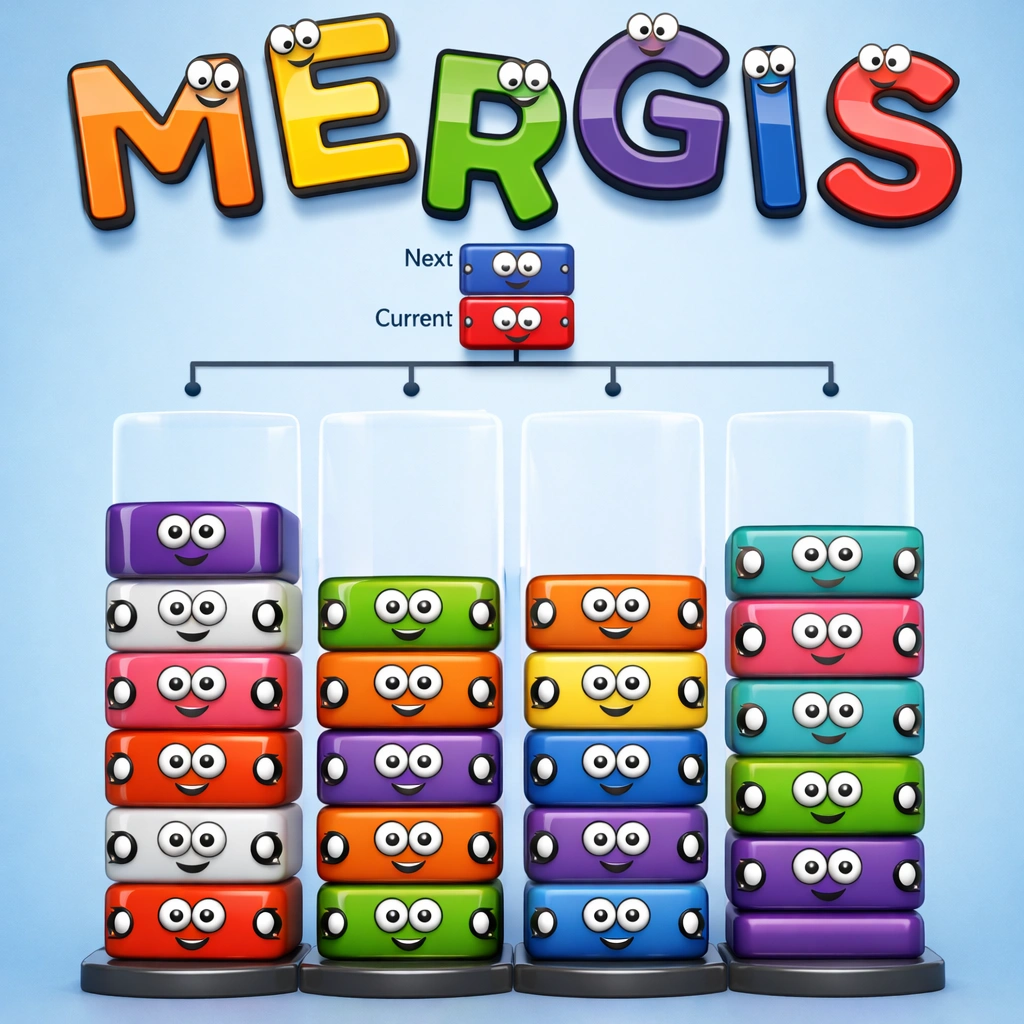











Sprunki games turn music-making into a simple drag-and-drop puzzle. These fan-made games are inspired by Incredibox, and you don’t need an account, a download, or any musical background to play them. Open a game in your browser, and you can have a beat playing within seconds.
This guide helps you pick the right version, learn the controls on desktop and mobile, build better tracks, and solve the most common technical problems.
Best Sprunki Games to Play Online
All the games below are free and run in your browser on desktop and mobile, with nothing to install. If you are new to Sprunki, open Sprunki Phase 3 first, since it gives you a familiar layout and plenty of sounds. If you prefer moody, intense tracks, start with Sprunki Retake Final Update instead.
Classic and Quick-Play Versions
These versions are the easiest to learn, whether you want a familiar feel or a fast start.
Sprunki Phase 3
Sprunki Phase 3 is a popular fan-made version with new characters and sounds. The layout is easy to understand, and the sound choices are varied enough to keep your tracks interesting for a long time.
Sprunki 2008
Sprunki 2008 is a classic-style rhythm music mod with a retro feel. It suits players who prefer a simpler, more nostalgic take, and it is a relaxed place to practice layering beats.
Sprunked
Sprunked is the best choice for quick sessions. It loads fast, so you can start building a beat right away. It works well when you only have a few minutes to spare.
Darker and Challenge Versions
If you enjoy moody soundscapes or want something beyond simple beat-making, try these.
Sprunki Retake Final Update
Sprunki Retake Final Update is built for darker, moodier tracks. Its dark transformation items change both the sound and the theme of your track, so you can shift from a bright groove into something far more intense.
Sprunki Sus
Sprunki Sus is an adventure-style version with a challenge twist. It is a good pick when you want a game that gives you something extra to do alongside making music.
Fan-Made Versions With Their Own Style
These two stand out for their own look and sound.
Parasprunki
Parasprunki is a standalone fan creation with its own sound library. Its sounds and characters feel different from the more familiar versions, which makes it a good choice when you want something fresh.
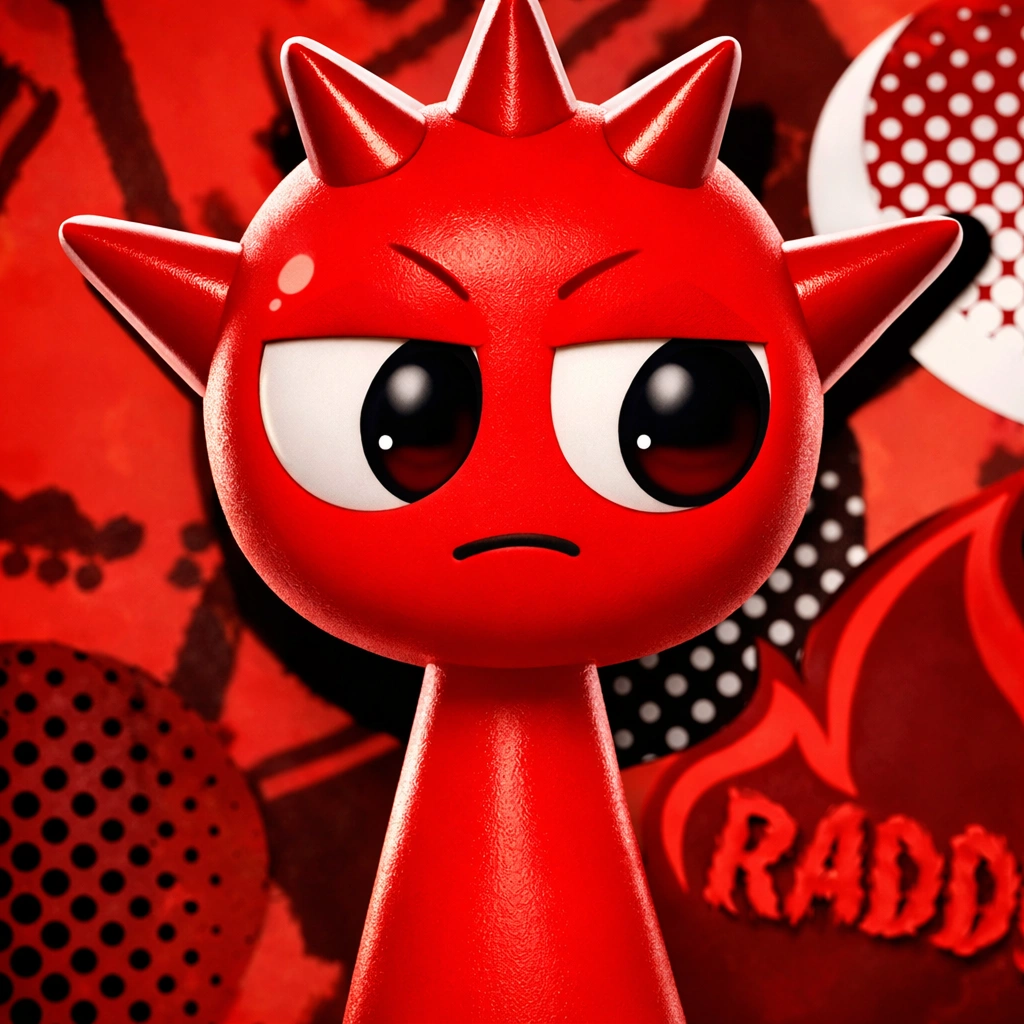
Raddy Sprunki
Raddy Sprunki is a fan-made version with its own visual style and sound. It is worth opening once you have tried the main versions and want a new flavor to experiment with.
Sprunki Game Controls
The controls are similar across versions, though some games may differ slightly. Try each action once when you open a new game. On a phone, turn it sideways if the screen feels cramped, since landscape mode makes dragging easier.
Action | Desktop | Mobile |
|---|---|---|
Add a sound | Click and drag the icon onto a character | Touch and drag the icon onto a character |
Mute one character | Hover over the character and click the mute icon | Tap the mute icon |
Mute with a shortcut | Spacebar + click on the character | Not available |
Reset a layer | R key or Backspace | Not available |
Switch to horror mode | Press H, or drag the black symbol across the screen | Drag the black symbol across the screen |
Tips to Make Better Sprunki Tracks
Build Your Track in the Right Order
Layering sounds in a sensible order gives your track a solid structure:
- Start with a drum or percussion sound for a steady pulse.
- Add the bass next to give the track weight.
- Layer melodies and effects one at a time, and keep only what fits.
- Add vocals last so they stand out over a finished backing.
Make Your Track Stand Out
Once the basic track works, these habits add personality:
- Leave some characters silent. A few well-chosen sounds often beat a crowded mix.
- Mute and unmute characters to create drops and build-ups.
- Swap sounds between characters to discover unexpected combinations.
- Rebuild a favorite track using only three sounds to hear what really matters.
Common Beginner Mistakes
Most weak tracks come from a few easy-to-fix habits:
- Filling every character right away, which makes the mix loud and messy.
- Adding several melodies at once, so none of them can be heard clearly.
- Skipping the beat and bass, which leaves the track without a foundation.
- Never muting anything, which removes any sense of change or progression.
Fix Common Sprunki Game Problems
Sprunki games usually run smoothly, but browser or device settings can sometimes cause trouble. These fixes solve most issues.
- Clear your browser cache.
- Make sure WebGL is enabled.
- Close extra tabs and turn on hardware acceleration.
- Turn off your ad blocker if you see a black screen.
Sound or Controls Not Working
- Tap the game screen once, then check your device volume.
- Click inside the game window to make it active.
- Restart your browser if the sound is out of sync.
- Try another browser or reload the page if the problem continues.
Conclusion
Sprunki games make music creation easy and open to everyone. Choose a version that matches your mood, build your track one layer at a time, and use mute drops to give it energy. Try a few different versions as you go, because each one brings a new set of sounds to discover.
Frequently Asked Questions About Sprunki Games
Are Sprunki games free, and do I need to download anything?
Yes, they are free to play in your browser. You don’t need an account or a download.
Can I play Sprunki games offline?
You need an internet connection to load a game. Offline play isn’t guaranteed, so plan to play while connected.
Can I save or share my track?
Saving options depend on the version you play. If a game has no save button, you can record your screen and audio with your device’s built-in screen recorder and share the clip.
Are Sprunki games official Incredibox games?
No. Sprunki games are fan-made projects inspired by Incredibox. They borrow the drag-and-drop idea but have their own characters, sounds, and themes.
Do I need music experience to play?
No. The game keeps every sound in time, so anyone can make a track that sounds good.
- First important point about the content
- Second point with detailed explanation
- Another noteworthy detail
- Final concluding thought