Advertisement


























Advertisement







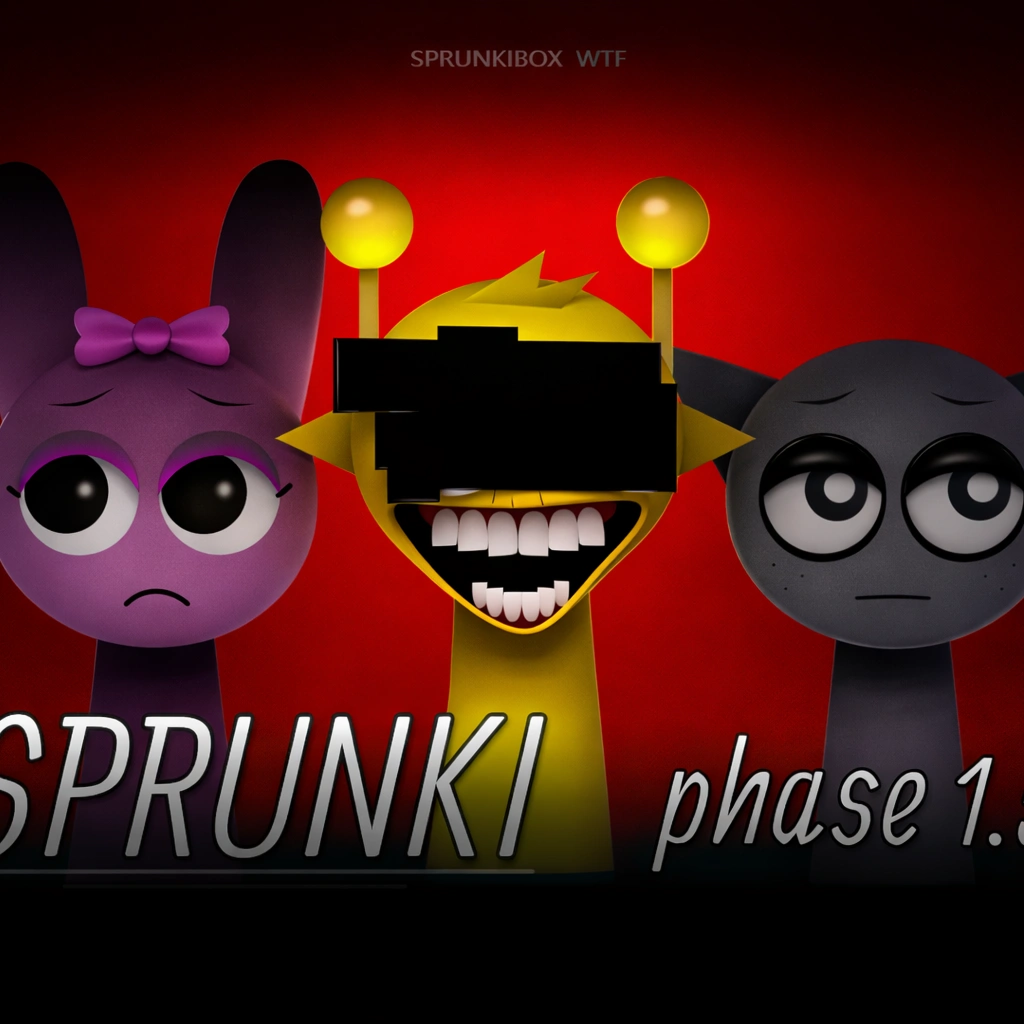

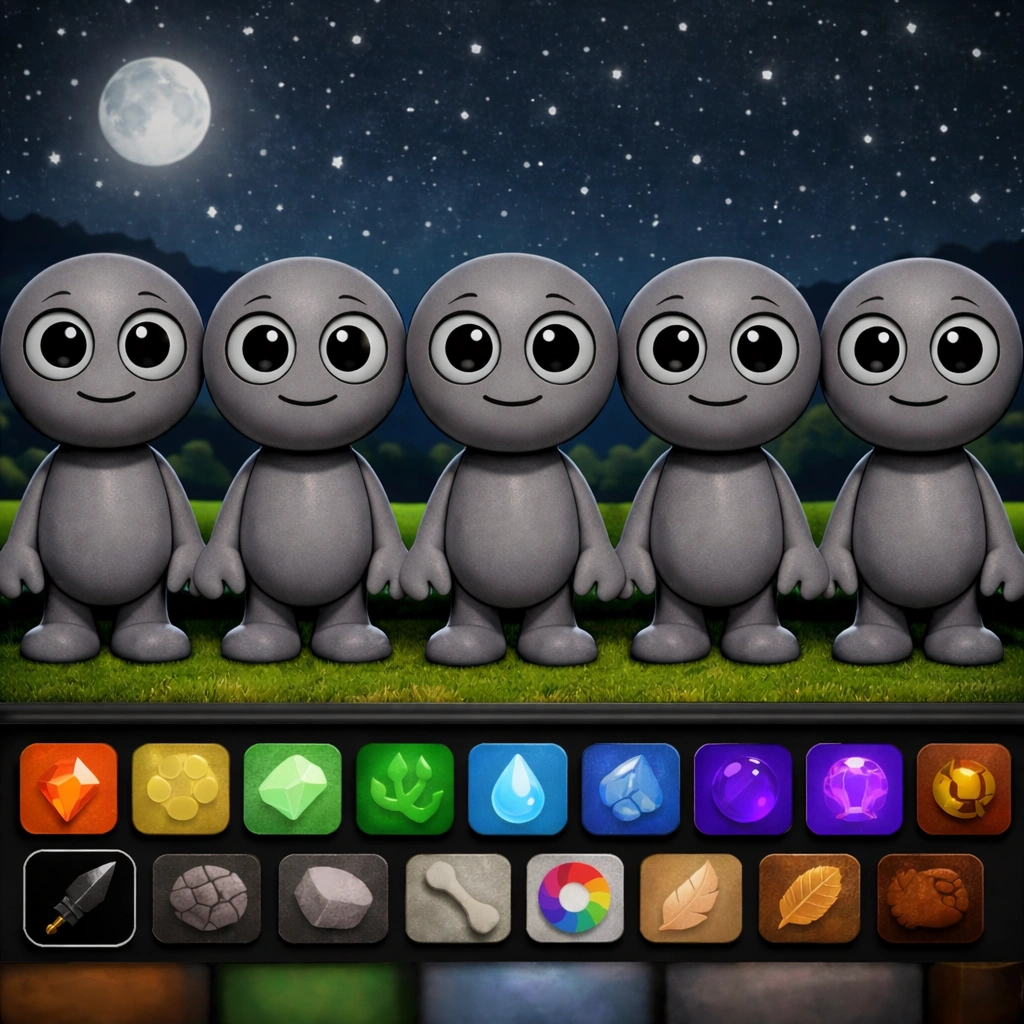





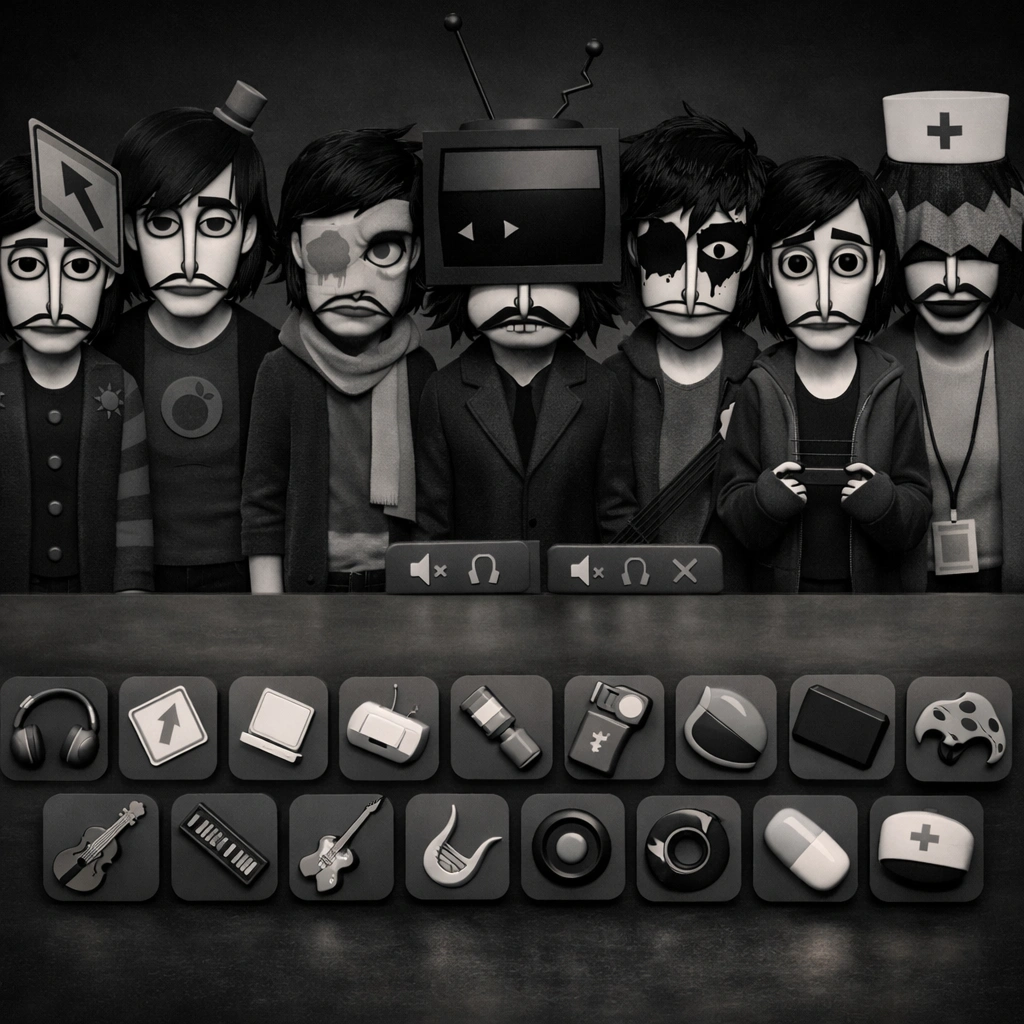


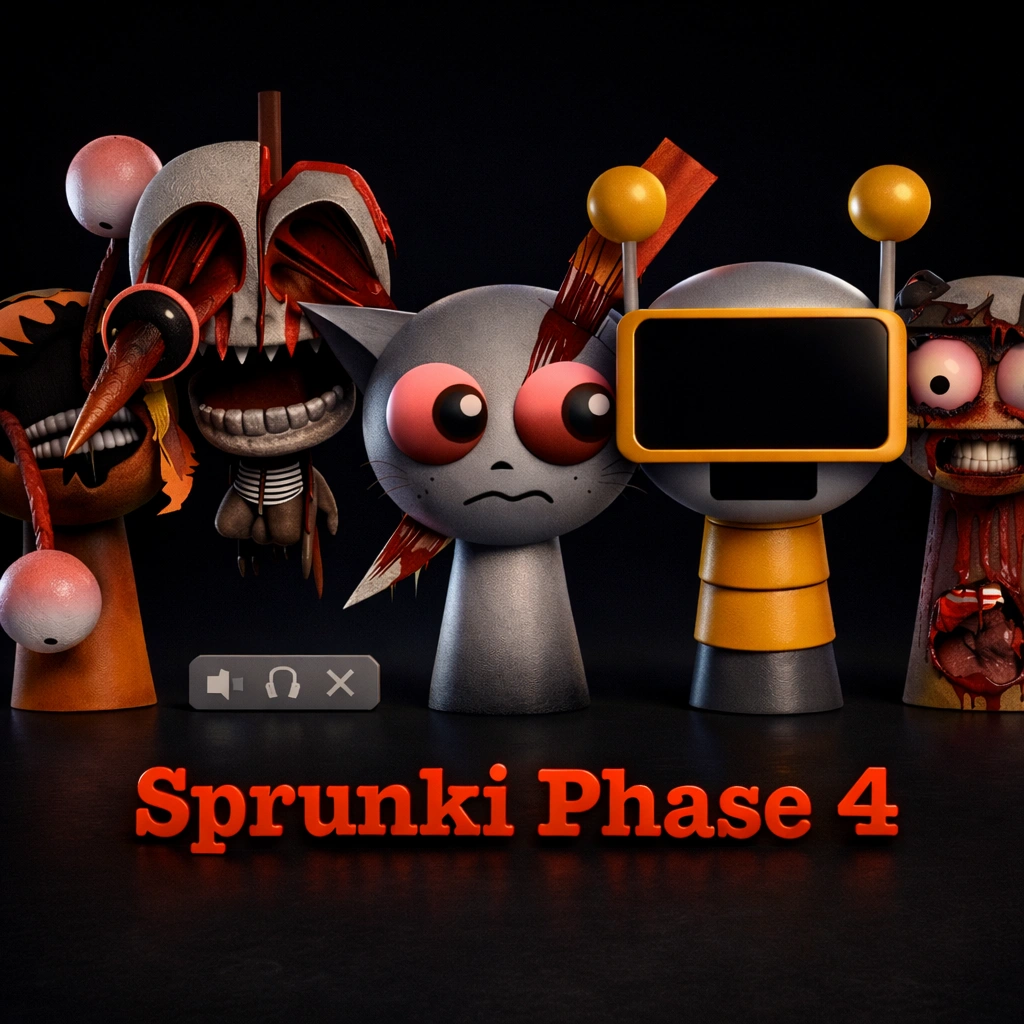






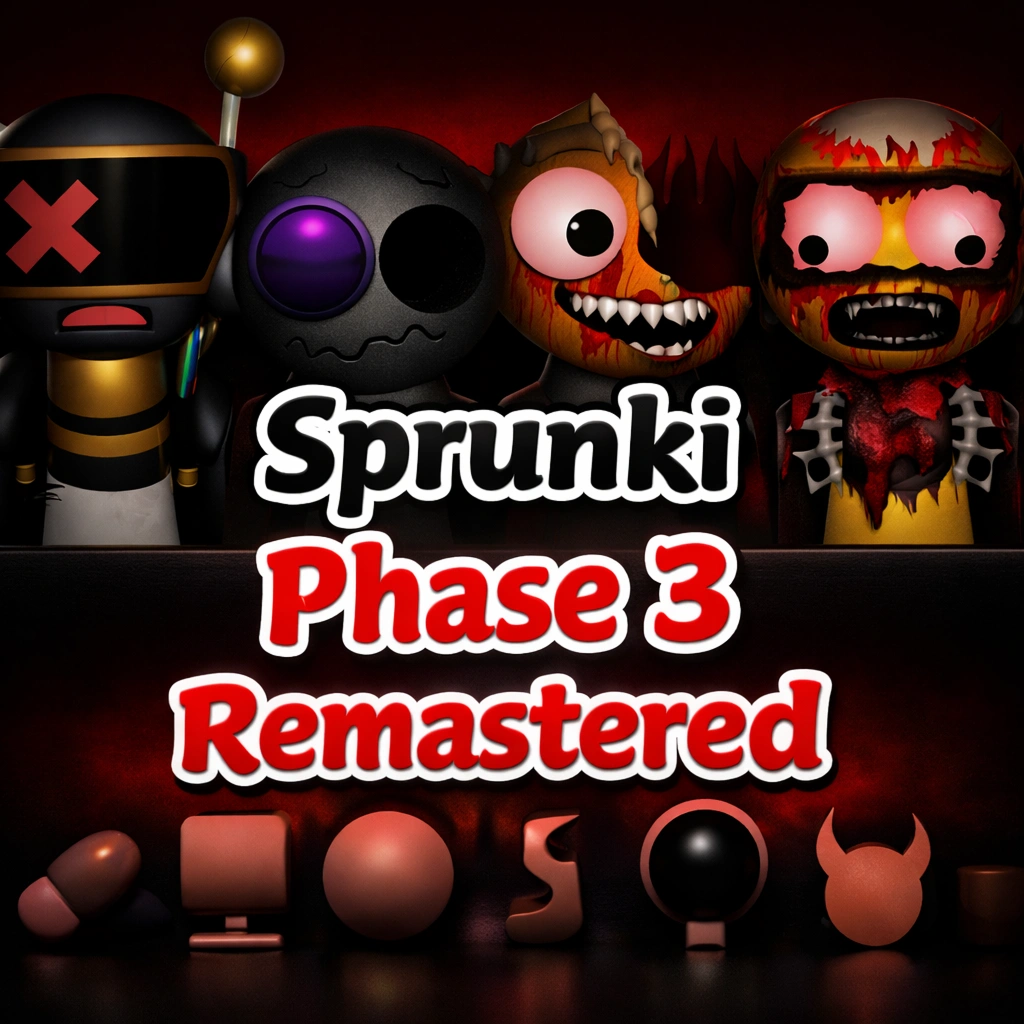









Description:
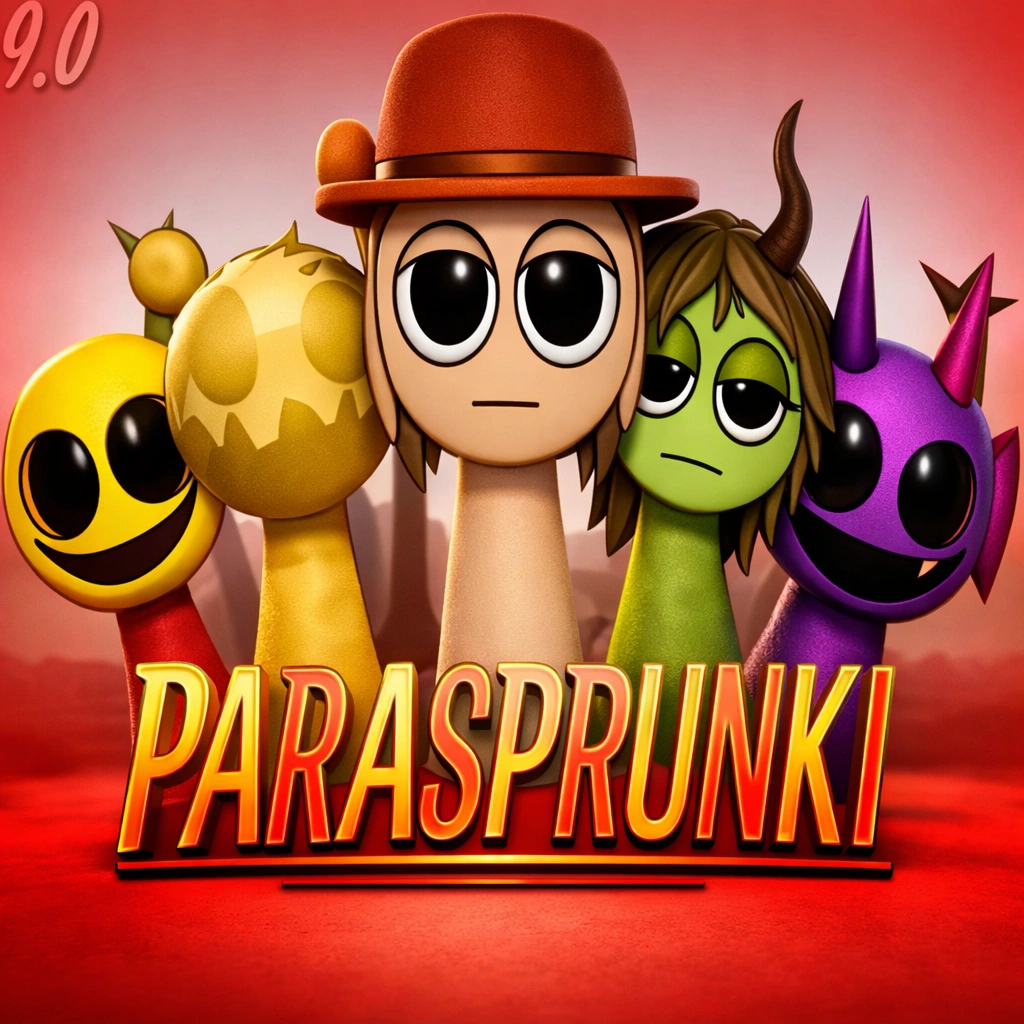
Sprunkin MSI FPE Game Explore Experimental Music Play is an interactive music game focused on exploring soundscapes and experimenting with different audio elements. Move through the environment and discover unique sound interactions.
Use the keyboard to navigate while the mouse lets you interact with sound emitters, nodes, and other environmental elements. Experiment with different controls to trigger sounds and explore the game world.
Discover hidden sonic pathways, adjust available sound effects, and interact with objects as you explore. Try different combinations and create your own experimental music experience.
Use the keyboard to navigate while the mouse lets you interact with sound emitters, nodes, and other environmental elements. Experiment with different controls to trigger sounds and explore the game world.
Discover hidden sonic pathways, adjust available sound effects, and interact with objects as you explore. Try different combinations and create your own experimental music experience.
Instructions:
- WASD / Arrow Keys: Move your avatar through the soundscapes.
- Mouse Cursor: Interact with sound emitters, nodes, and environmental elements.
- Left Click: Activate, select, or trigger sound events.
- Right Click: Open contextual menus for additional sound options.
- Scroll Wheel: Adjust available sound parameters such as volume, pitch, or effects.
- E Key: Interact with objects or open creation interfaces.
- Q Key: Toggle the special perception mode to reveal hidden sonic pathways.
Mobile Controls
- Touch Controls: Move your avatar using the on-screen controls.
- Tap: Interact with sound emitters, nodes, and environmental elements.
- Action Button: Activate or trigger available sound events.
- Menu Button: Access contextual options and sound settings.
- Swipe: Adjust available sound parameters when supported.
- Interact Button: Engage with interactive objects or creation interfaces.
- Perception Button: Toggle the special perception mode to discover hidden pathways.
Categories:

Comments

You must log in to write a comment Login Here.
